

Telegram8 min read
Get Notified When Someone Posts an Instagram Story
Instagram only alerts you to stories from accounts you follow. Here is how to get a Telegram message when a public account posts a story, without following.
 StoriesFly Team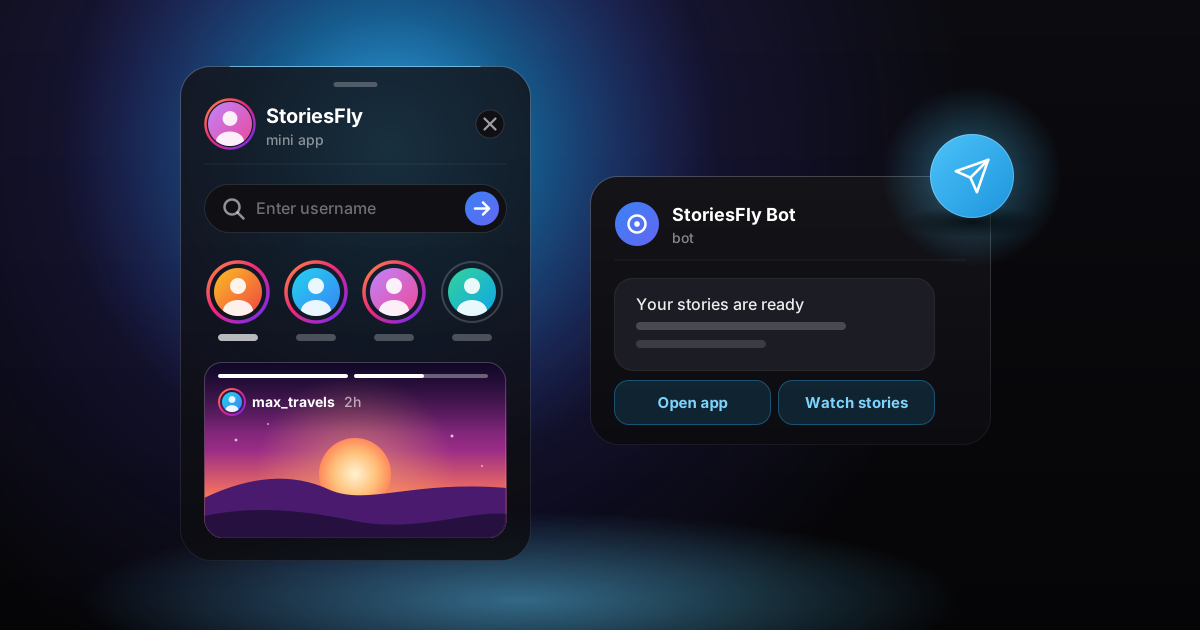
On this page
- How do you get notified when someone posts an Instagram story?
- Instagram's own story notifications, and the catch
- Story alerts in Telegram without following
- Why Telegram works well for story alerts
- How fast the alerts come, and why they aren't instant
- The options side by side
- Checking an account yourself from any chat
- When the account is private
- Catching a story before it expires
- FAQ
How do you get notified when someone posts an Instagram story?
Instagram sends story notifications only for accounts you follow: open the profile, tap the bell icon and switch on Stories. If you don't want to follow the account, you need an outside tracker. The activity tracker in the Telegram bot @instanavy_bot checks public accounts on a schedule and sends you a Telegram message when a new story appears, usually within a few hours. It is part of the paid plans, from $4.99/month.
Instagram's own story notifications, and the catch
If you already follow the account, the built-in option is free and takes a few seconds:
- Open the person's profile in the Instagram app.
- Tap the bell icon at the top right.
- Switch on Stories. Posts, reels and live videos have their own switches in the same menu.
- Check that your phone allows notifications from Instagram, or nothing will arrive.
Instagram doesn't tell the other person that you turned on their notifications. The catch is everything around that setting:
- You have to follow them. Your follow shows up in their followers list, and they usually get a "started following you" notification.
- Private accounts need approval. Until they accept your request, there is nothing to be notified about.
- Watching puts you on their list. When you open the story from your own Instagram account, your name appears among its viewers.
That is fine for a friend's account, and less so for a competitor, an ex or anyone you'd rather not follow publicly.
Story alerts in Telegram without following
A tracker does the checking for you. You add a public username once, and when a new story shows up, StoriesFly's bot sends you a short message such as "@username posted a new story", with a View button. Tapping it opens that account's stories inside Telegram.
Your own Instagram account is never used for this, so your name can't end up in the viewers list, and StoriesFly doesn't mark stories as seen. You don't need to follow the account or have an Instagram account at all.
Setting it up:
- Open @instanavy_bot in Telegram and press Start. You are signed in with your Telegram account: no email, no password, and no Instagram login is ever asked for.
- Tap Open App. This is the full StoriesFly app running inside Telegram, so there is nothing to install.
- Go to Tracker and enter the public username you want to follow.
- Keep the bot chat unmuted. Alerts arrive there as ordinary messages.
The tracker is on paid plans: Basic tracks 1 account and Pro tracks 5. The same tracker also reports changes in follower and following counts, and names the people who followed or unfollowed, up to a list size that depends on the plan. The guide to watching stories without following covers the viewing side in more detail.
If you don't use Telegram, the website can deliver the same alerts as browser push notifications once you allow them. Without Telegram or working push, they come by email.
Why Telegram works well for story alerts
If Telegram is already open on your phone most of the day, an alert there is hard to miss, and it waits in the chat until you read it. You don't have to keep a website open or remember to look.
The other advantage is that everything stays in one place. The alert, the View button that opens the story and any file you save are all in the same chat. In the app, the Download button turns into Send: the photo or video arrives as a message in your chat with the bot, where you can keep it or forward it. "Send to Telegram" with a number next to it sends all of a profile's current stories at once. Videos larger than 50 MB are skipped.
How fast the alerts come, and why they aren't instant
Instagram doesn't let outside services subscribe to someone else's stories. A tracker has to look at the account on a schedule and compare what it sees with the last check. So a new story usually reaches you within a few hours of going up, not the moment it is posted. For a story that stays up for 24 hours, that usually leaves plenty of time to watch it.
Two limits are worth knowing:
- A story can slip between checks. If someone posts a story and deletes it an hour later, no scheduled tracker can promise to catch it.
- Alerts are capped. You get at most 12 tracker alerts a day, and the same alert isn't repeated within an hour or two. If you track several busy accounts, later alerts that day can be dropped.
The options side by side
| Instagram bell | Tracker in @instanavy_bot | Checking by hand in the bot | |
|---|---|---|---|
| Must you follow the account? | Yes | No | No |
| Can they see you? | They see your follow, and your views | Your Instagram account isn't used | Your Instagram account isn't used |
| Private accounts | Only if they approve you | No, public accounts only | No, public accounts only |
| When you find out | When Instagram delivers the notification | Within a few hours | Whenever you check |
| Cost | Free | From $4.99/month | Free, 10 story views a day |
Checking an account yourself from any chat
Not every account needs a tracker. If you only look now and then, the free plan is enough: 10 story views, 50 downloads and 5 highlight views a day, with no payment details.
- Send the bot a username. Type an Instagram @username or paste an instagram.com profile link into the chat with @instanavy_bot. It replies with that profile's newest story and a button that opens the rest.
- Share from any chat. In a conversation with a friend, type @instanavy_bot followed by a username to send them a link to that profile's stories. If nothing appears after you type, open the bot and send the username there instead.
- Use a browser. The anonymous story viewer on the website does the same job without Telegram.
A reel or post link sent to the bot comes back as the video or photo itself, right in the chat.
When the account is private
A private account's stories are visible only to followers it has approved, and no outside tool changes that. StoriesFly works with public accounts only, so neither the tracker nor the viewer will show a private account's stories.
Enter the username on the Private Viewer page, in the Telegram app or on the website, and you get two options:
- "Tell me when it goes public." This alert is free and needs no plan. StoriesFly checks the account about once a week for up to six months and sends you a Telegram message if it turns public. After that you can add it to the tracker like any other account.
- A follow request (paid). StoriesFly sends a follow request from one of its own accounts. It works only if the owner accepts that request. If they decline or ignore it, you see nothing.
Catching a story before it expires
Instagram stories disappear 24 hours after they are posted (how long stories last covers the edge cases). An alert within a few hours leaves most of that day, and a few habits help:
- Check highlights. If the owner adds a story to a highlight, it stays on their profile until they remove it.
- Don't count on Instagram's archive. The story archive is private to the account owner, so it won't help you see someone else's old stories. The story archive explained shows what it does and doesn't keep.
- Save what matters when you see it. In the Telegram app, Send puts a copy in your bot chat, where it outlives the original.
- Pro keeps a 30-day archive. Stories that were loaded through StoriesFly while they were live are kept for up to 30 days, so you can reopen one after it expires on Instagram. It can't bring back a story that nobody opened through StoriesFly while it was up.
FAQ
Can you get Instagram story notifications without following someone?
Not from Instagram. Its story notifications work only for accounts you follow. An outside tracker, such as the one in @instanavy_bot, can send you a Telegram message when a public account posts a new story, with no follow needed.
Does Instagram tell someone you turned on their story notifications?
No, the bell setting is private. The follow it requires is visible, though, and if you watch the story from your own account, your name appears in their viewers list.
Will they know I watched their story after a Telegram alert?
The View button opens the story through StoriesFly, which never uses your Instagram account, so your name isn't added to their viewers list. StoriesFly also doesn't mark stories as seen.
Can I get alerts for a private account's stories?
No. Only approved followers can see a private account's stories. You can set a free alert that sends you a Telegram message if the account goes public.
Is it free?
Checking stories by sending a username to the bot is free, up to 10 story views a day, and so is the alert for a private account going public. Automatic new-story alerts come from the tracker, which is on paid plans from $4.99/month.