

Growth2 min read
Instagram Batch Content Creation — Save Hours Every Week
Batch create Instagram content efficiently. Plan, shoot, edit, and schedule a week's worth of content in one session.
 StoriesFly Team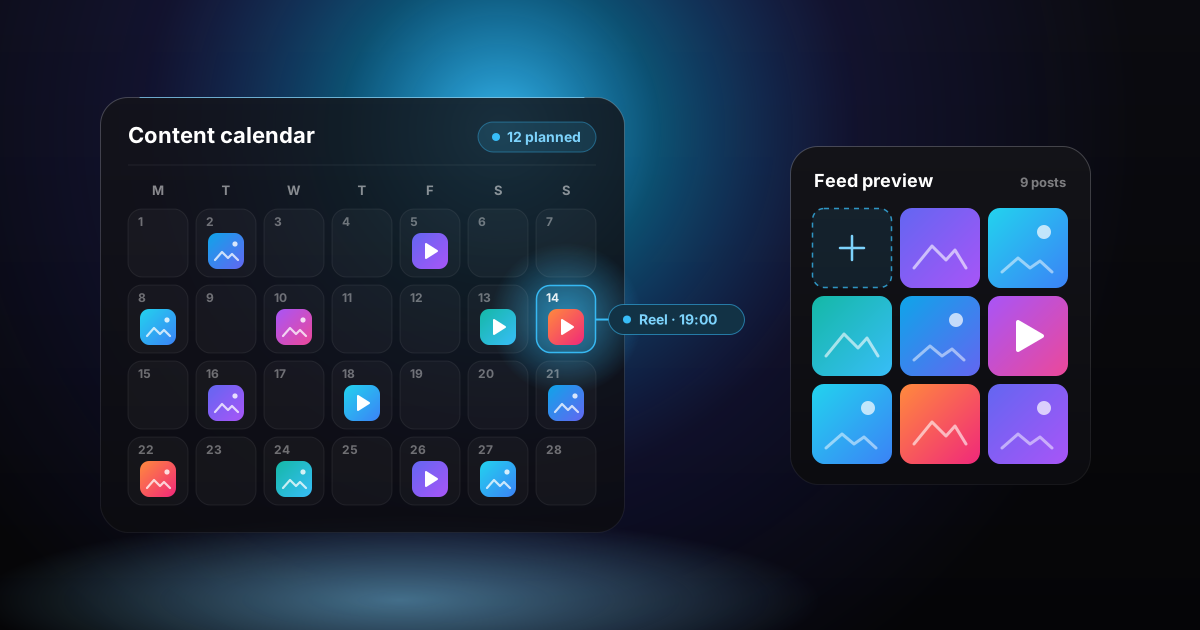
On this page
What Is Content Batching?
Content batching means creating multiple pieces of content in one dedicated session, rather than creating one post at a time throughout the week.
Benefits of Batching
- Saves 5-10 hours per week
- More consistent quality
- Less daily decision fatigue
- Better visual consistency
- More strategic content planning
- Reduces the stress of daily posting
The Batching Process
Step 1: Plan (30 minutes)
- Review analytics from the past week
- Identify content topics for the next week
- Map content to your content pillars
- Write captions and collect hashtags
- Outline reel scripts
Step 2: Create Visuals (2-3 hours)
For photos:
- Set up your shooting space
- Take all photos in one session
- Use consistent lighting and backgrounds
- Capture multiple angles for variety
- Take extra shots for future use
For reels:
- Film all clips for the week
- Use the same setup for consistency
- Record b-roll for future use
- Film in batches by location or setup
Step 3: Edit (1-2 hours)
- Edit all photos with the same preset
- Edit reels with consistent style
- Create carousel slides in Canva
- Design story templates
- Apply branding consistently
Step 4: Write (1 hour)
- Write all captions for the week
- Prepare hashtag sets
- Write alt text for each post
- Plan story text and prompts
Step 5: Schedule (30 minutes)
- Upload content to your scheduling tool
- Set optimal posting times
- Double-check everything
- Plan story content reminders
Batching Tips
- Dedicate one day per week to content creation
- Batch similar tasks together (all photos, then all editing)
- Keep an ideas bank to draw from
- Prepare content at least one week ahead
- Leave room for spontaneous, real-time content
- Use templates to speed up design work
Tools for Efficient Batching
- Canva: Design carousels and story templates
- CapCut: Edit multiple reels
- Later or Buffer: Schedule posts
- Notion or Trello: Content planning
- StoriesFly: Research competitor content for inspiration